
For contractors
5 minSet your insurance requirements
Tell COI Compass which coverages, limits, and endorsements you require so every uploaded certificate is checked automatically.
Organization owners only
- 1
1.Open the Account page
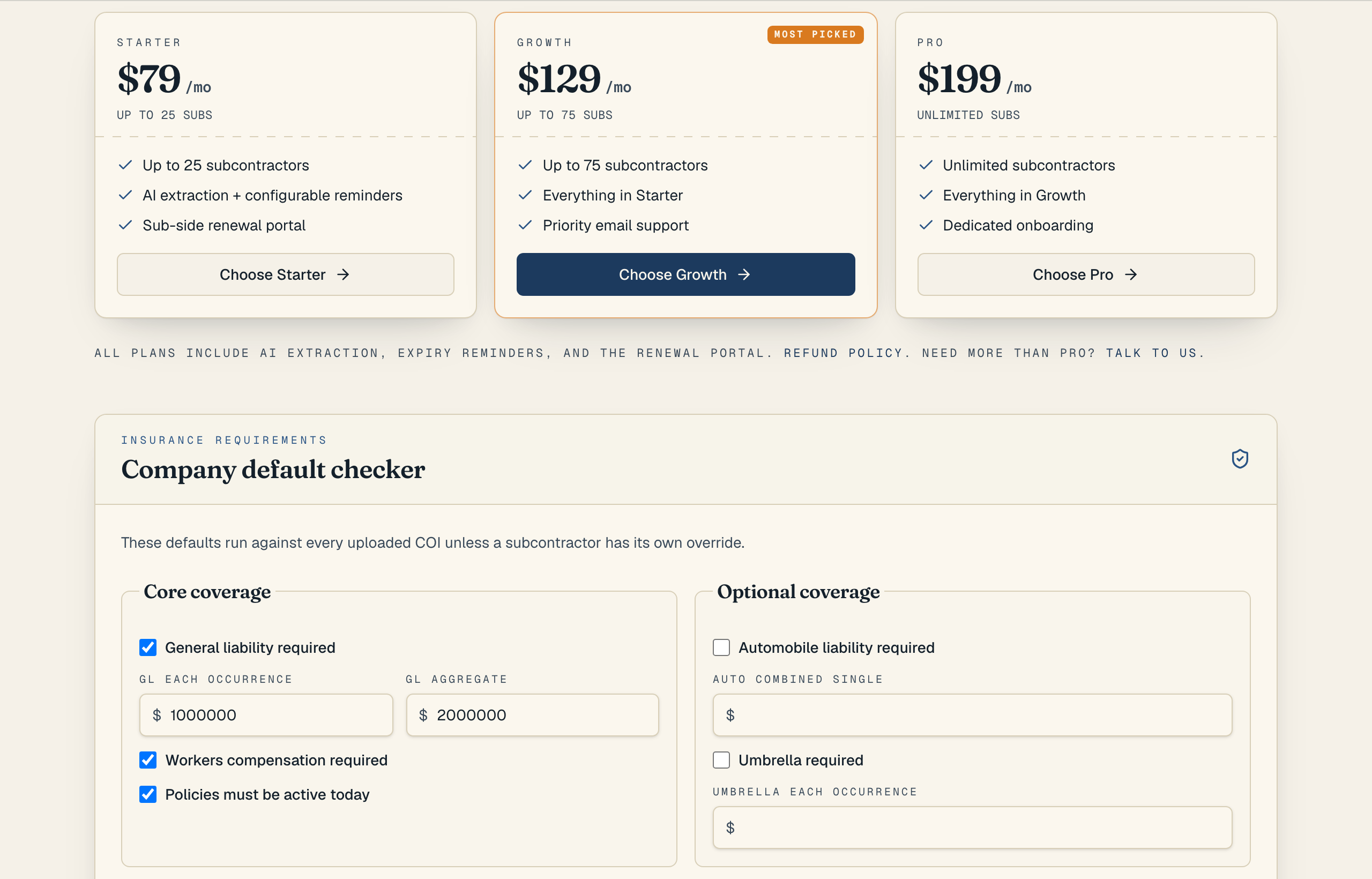
Click Account in the top navigation and find the "Insurance requirements" section. These company defaults are the rules COI Compass checks every uploaded certificate against, so it is worth setting them before you upload your first COI.
- 2
2.Turn on the coverages you require
Check the coverages your contracts demand: General liability, Automobile liability, Workers compensation, and Umbrella. For general liability you can set a required "GL each occurrence" and "GL aggregate" limit; a certificate that comes in below those numbers is flagged.
- 3
3.Add endorsement and wording rules
Use the "Additional insured wording" and "Certificate holder wording" boxes to require specific language, and tick "Waiver of subrogation required," "Primary and non-contributory required," or "Endorsement evidence required" when your contracts call for them. Turn on "Policies must be active today" to fail any certificate whose dates are not currently in force.
- 4
4.Save and let COI Compass recheck
Click "Save requirements." You will see "Insurance requirements saved," and COI Compass immediately rechecks your latest certificates against the new rules, telling you how many it re-evaluated. From then on, every upload is graded Passed, Needs review, or Failed against these defaults.
Need different rules for one company? Open that subcontractor's page and turn on "Use custom requirements" to override the company defaults for them only.
Common questions
Who can change the insurance requirements?
Only organization owners. Members see the requirements but the form is read-only for them, with a note that owner access is required.
Will changing requirements re-grade old certificates?
Yes. When you save, COI Compass rechecks the latest active certificate for each subcontractor and reports how many it rechecked, so your roster reflects the new rules right away.