
For contractors
3 minInvite teammates and set roles
Use the Team page to invite teammates, choose roles, and remove access when someone leaves the account.
Organization owners only
- 1
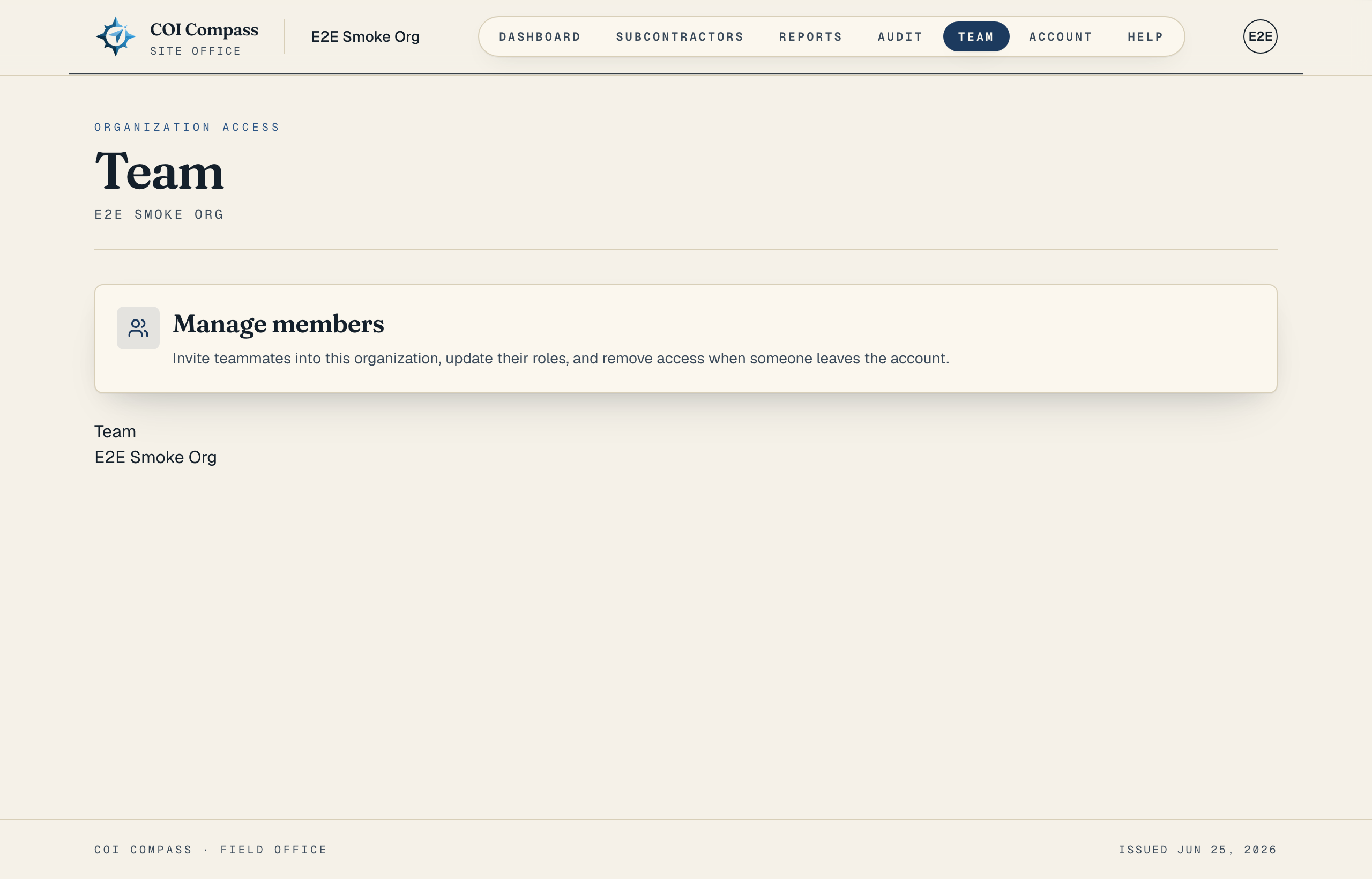
1.Open Team
Click "Team" in the top navigation. The app only shows this nav item to organization owners.
The page heading is "Team," and the owner view starts with "Team members." This is where owners invite coworkers from their own company to log in, update roles, and remove access. Subcontractors are tracked vendors and are not invited here.
Members do not see "Team" in the main navigation. - 2
2.Invite by email
In the team members panel, invite the teammate using their company email address. The invitation gives them a COI Compass login for the same organization, so they see the same subcontractor roster, certificates, reports, and audit history once they accept.
- 3
3.Choose Owner or Member
Use "Owner" for teammates who need admin access. Owners can invite teammates, change roles, remove teammates, edit requirements, change automation, and manage billing.
Use "Member" for teammates who need to work with subcontractors and reports without changing settings, requirements, automation, billing, or team access.
- 4
4.Change a role
Return to "Team," open the teammate in the team members panel, and change their role between "Owner" and "Member." COI Compass records role changes in the audit trail as "Team member role changed."
- 5
5.Remove a teammate
Use the same team members panel to remove access when someone leaves your company or no longer needs COI records.
If a non-owner opens the Team route directly, they see "Owner access required" and the message "Only organization owners can invite teammates, change roles, or remove teammates."
Common questions
Can members invite other teammates?
No. Members cannot reach "Team," and the Team page requires owner access to invite teammates, change roles, or remove teammates.
Which role should accounting use?
Use "Member" when accounting only needs to view subcontractors, reports, and AP hold data. Use "Owner" only if they should manage billing, settings, automation, or team access.