
A Practical COI Renewal Cadence: 30, 14, and 7 Days Out
A 30/14/7 COI renewal cadence gives teams three action points before expiration: a specific first request, a real document review, and escalation of what is still open. These are operating checkpoints, not legal deadlines.
A renewal reminder works only if the person receiving it has enough time and enough context to act.
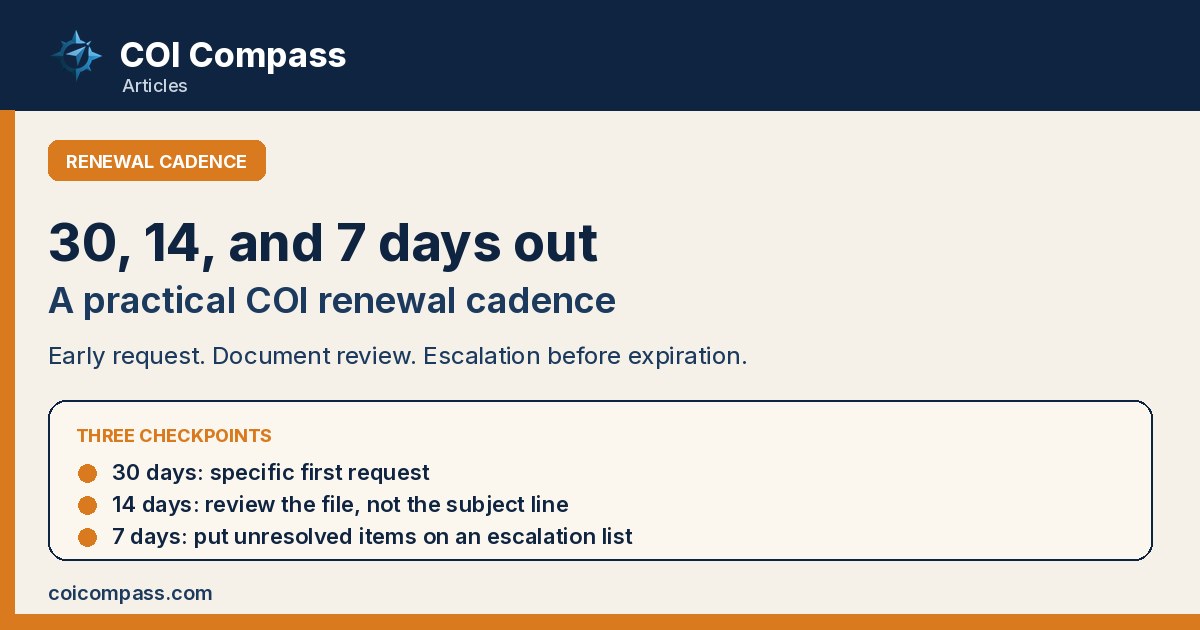
That is why 30, 14, and 7 days before expiration can be a useful COI renewal cadence. The dates create three different moments for action: an early request, a document review, and an escalation of what remains unresolved.
They are recommended operating checkpoints, not legal deadlines. A contract, owner program, law, or internal risk policy may call for a different schedule or response. Use the cadence only after your team decides what its agreements require.
The cadence begins with a reliable expiration date
Before sending anything, confirm that the tracked date belongs to the correct subcontractor, policy line, and certificate version. A COI can show several policies with different expiration dates. General liability may remain current after auto or workers compensation has expired.
Decide which required date should drive the renewal queue. For many teams, that is the earliest expiration among the policies the agreement requires. Keep the other dates visible so the reviewer can see what changed when the replacement arrives.
The queue should also answer a basic operational question: is the subcontractor expected to work during or after the renewal period? An expired file for an inactive company and an approaching expiration for a crew scheduled next month should not compete for attention in the same way.
Clean the contacts before the first request. Confirm the subcontractor contact, broker or producer information if available, project, and internal owner. A perfect cadence sent to a dead inbox is still a missed renewal.
30 days out: make the first request specific
At 30 days, identify certificates that will expire while the subcontractor is expected to remain active. Send the request to the right contact and name the project or agreement it supports.
Include the written insurance instructions or point to the relevant contract section. If the agreement calls for endorsements, say so in the first request. Do not wait until the certificate arrives to tell the sender that another document was required.
A useful request includes:
- the subcontractor name as it appears in your record
- the policy or certificate expiration date that triggered the reminder
- the project or account connected to the request
- the records required by the agreement
- a clear upload or reply method
- the date your team plans to review the response
This first touch is also the best time to correct stale contact information. If the message bounces, assign the contact search immediately rather than waiting for the 14-day checkpoint.
14 days out: review the response, not the email subject
A file named "renewal COI" is not a completed review.
At 14 days, open what came back. Confirm the named insured, policy types, effective and expiration dates, listed limits, certificate holder details, and any project wording required by the instructions. Compare those entries with the agreement used for the request.
If the contract requires endorsements, collect and review them separately. Certificate-holder status is not additional-insured status. The ACORD 25 says the certificate is informational, confers no rights on the holder, and does not amend the policy. The policy terms and endorsements control.
Check whether the new policy period begins without a gap after the prior period. Do not assume that a later expiration date proves continuity. If the dates or policy information raise a question, send it to the appropriate insurance professional and review the underlying documents.
Record the result in plain language. "Received" and "approved" should not mean the same thing. A replacement can be received but still need a corrected holder name, a missing endorsement, or review by the designated risk owner.
This checkpoint is where the process earns its time. Two weeks leaves room to ask a focused follow-up while everyone can still see the expiration coming.
7 days out: move unresolved items into view
At seven days, stop treating the open item as routine inbox follow-up.
Put it on an exception or escalation list. Tell the designated project, accounting, or risk owner exactly what is missing. Include the last contact date, the response received, the contract requirement involved, and the subcontractor's expected work schedule.
The escalation list should not decide the consequence. Payment, work authorization, stop-work, owner notification, and public-work requirements vary. The governing agreement, applicable law, and your company's risk program determine what happens next.
What the list can do is make the decision unavoidable. A manager should not learn about the problem after the certificate expires or when an owner asks for the file.
If an exception is approved, capture who approved it, the reason, the period it covers, and the next action. Do not let "temporary" become a permanent status with no due date.
Handle the renewal when it arrives
The cadence does not end when the PDF reaches the inbox.
Save the submitted file with the subcontractor record. Preserve the prior certificate rather than overwriting it. Record who reviewed the replacement and when. If a corrected version follows, keep enough history to show why the first one was rejected.
Update the tracked expiration dates only after human review. This is especially important when software extracts certificate fields. Extraction can remove typing, but it cannot decide whether the record satisfies a particular agreement.
COI Compass can send renewal reminders on the schedule a team chooses, accept documents through no-login upload links, and keep the request and document history with the subcontractor. Its AI drafts ACORD 25 fields for human review. Teams can also import an existing roster rather than rebuilding it one company at a time.
The reviewer still compares the draft and source document with the applicable requirements. Software should make the next action visible, not turn a date into a coverage decision.
Tune the cadence to the work
Thirty, fourteen, and seven days is a starting rhythm. A team with slow owner approvals may begin earlier. A short-duration subcontract may need a project-specific check tied to mobilization. A contract may set notice or documentation rules that do not fit these intervals.
Measure the friction in your own queue. How long does the first response take? Which missing records cause the second request? Who needs time to decide an exception? Adjust the checkpoints around those facts.
Then look at the next 45 days of expirations. For every active subcontractor, can the team see the first request date, current review result, and escalation owner? If one of those fields is blank, the renewal is already depending on memory.
Advisor review
Reviewed: 2026-07-17
Verdict: Accurate as a recommended 30/14/7 operating cadence, not a legal deadline, with contract, owner-program, and risk-policy requirements left controlling.